
Why do so many expense apps ask you to sign up?
An account usually exists for one of a handful of reasons, and some of them are good ones:
- Sync. To show the same ledger on a phone, a tablet and a website, the records have to live on a server, and the server has to know whose they are.
- Cloud backup. A copy on a server survives a lost phone without you doing anything.
- Marketing. An email address is the cheapest way to reach you again, with tips, offers and reminders to come back.
- Analytics. Usage tied to a person is worth more to a company than anonymous counts.
If you want your spending on two devices at once, an account is the price, and it can be worth paying. If you only ever use one phone, most of the benefit goes to the company.
What an account costs you
The sign-up form takes thirty seconds. The rest lasts longer:
- Your email address joins a database, and the privacy policy decides what happens to it.
- You manage one more password, or link the app to a social login.
- Your spending history sits on a server that can be breached, sold along with the company, or kept after you stop using the app.
- Leaving takes a deletion request as well as an uninstall.
For a record of every coffee, taxi and pharmacy visit you make, that is a lot of exposure for a feature you may never use.
How to check a "no sign-up" claim
Some apps let you skip the sign-up screen and then ask again a week later. Five checks tell you what you are dealing with:
| Check | Good sign | Warning sign |
|---|---|---|
| First launch | You reach the main screen without giving an email | A skip button, then features greyed out until you sign in |
| Data safety on Google Play | No personal info such as name or email collected | Email address, name or user IDs collected or shared |
| Backup | Writes a file that you choose where to keep | Only works through the company's cloud |
| Leaving | Deleting the data or the app removes everything | Deletion only by emailing support |
| Privacy policy | Says your records stay on the device | Mentions storing transactions on its servers |
What WhereItWent does instead
The first launch asks you to pick a language, shows three short pages, and asks for your main currency, the one your accounts start in. You can change it later. A short tour then plays once on a sample month, with example records that are never saved.
After that you are on the dashboard with two accounts, Cash and Card, and a set of everyday categories such as Food, Eating out, Transport and Bills. The next thing you buy can be the first record. Rename, archive or add accounts and categories whenever you like.
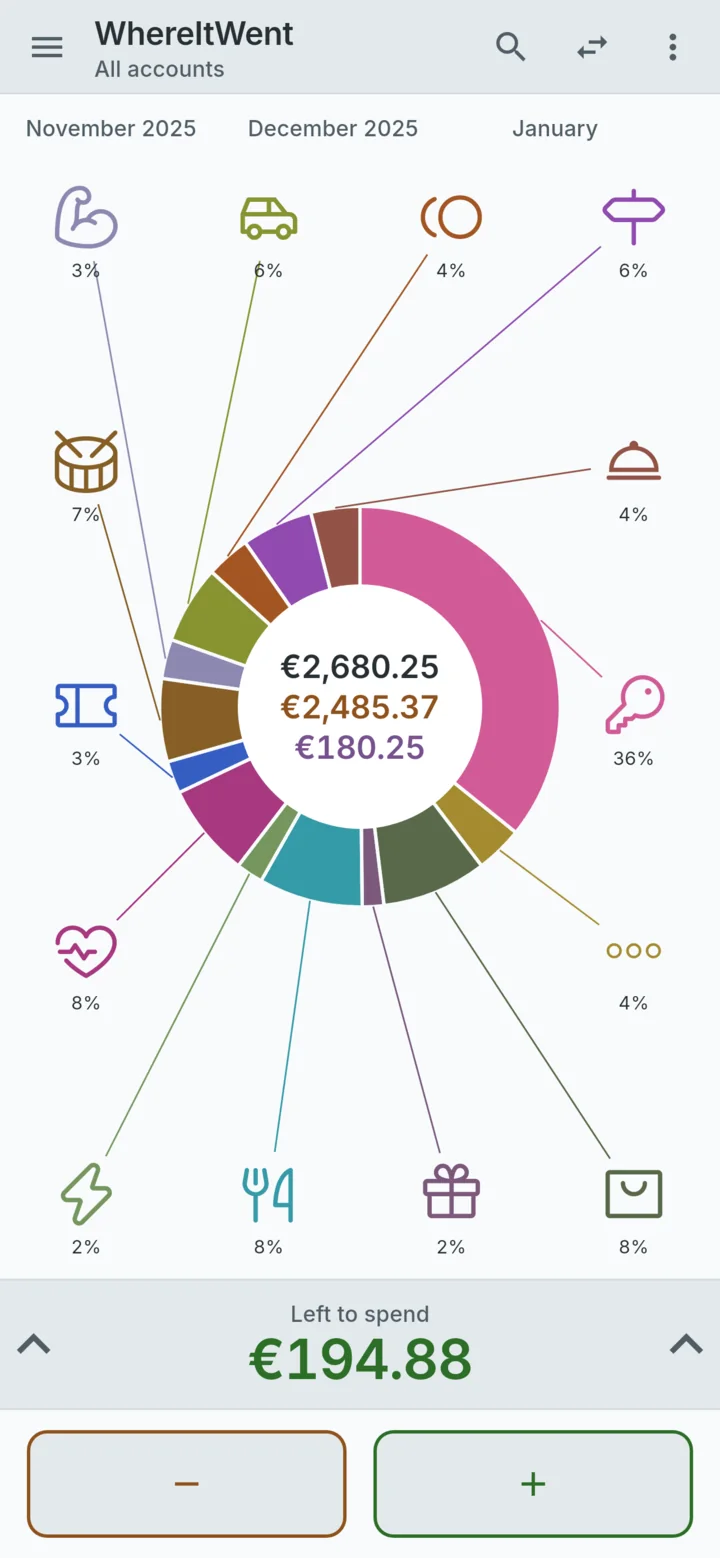
Everything you enter lives in a database on the phone. There is no WhereItWent server, so the people who made the app cannot read your records either.
What you give up without an account
No account means no one else holds a copy. That is the point, and it has consequences:
- No sync and no web version. The ledger lives on one phone.
- Moving phones is a manual step. On the old phone, Settings → Backup → Create a backup writes a file to a place you choose. On the new phone, Restore reads it back. A restore replaces whatever is on the new phone, so do it before you start logging there. Export to CSV is for spreadsheets and cannot be restored.
- Nobody can recover your records for you. Lose the phone without a backup and the records are gone. A backup every few weeks, saved somewhere other than the phone, is the fix.
- A forgotten passcode cannot be reset by email. If you set one, add a security question at the same time. Without it, deleting the data on the phone is the only way back in.
Keeping it private on your phone
With no login, the phone's own lock screen does most of the work. If other people use your phone, WhereItWent has an optional four-digit passcode, stored only as a hash in the phone's secure storage. You choose when it is asked for: immediately, or after 1, 2 or 15 minutes, or an hour away. After five wrong attempts, the only ways back in are the security question or deleting the data on the phone, so a curious friend does not get to guess all day.
Is a no-account tracker right for you?
It suits one person on one phone who would rather not hand a spending history to anyone. It suits couples less well if both of you want to log into the same ledger in real time. And it is no help if you want transactions pulled in from your bank automatically.
No account usually goes with no connection. An offline expense tracker for your phone has a two-minute test for that. If an app is free and asks for nothing, it is fair to wonder how it pays for itself, and free expense trackers with no ads answers that.
WhereItWent asks for a currency, not an email address, and keeps every record on your phone. Free, offline, no account, no ads.
Get WhereItWent