
How do free apps pay for themselves?
Building and updating an app costs money, so "free" always means someone pays in some other way. These are the usual models, and what each one costs you:
| Model | You pay with | What to watch for |
|---|---|---|
| Ads | Attention, plus whatever the ad network collects | A full-screen ad after you save a record |
| Freemium | Money, for the extras | Basics such as export, history or a second account behind the paywall |
| Trial, then subscription | Money, every month or year | A trial that starts before you have seen the app |
| Data | Your spending patterns | Vague privacy wording about partners |
| Tips or contributions | Money, only if you choose | Constant reminders to give |
| Hobby project | Nothing | Updates that stop without notice |
None of these is automatically bad. A one-off upgrade for genuine extras is an honest deal. The trouble starts when the model changes after you have put a year of records into the app.
A five-minute check before you install
- Read the labels under the app's name on Google Play. "Contains ads" is plain enough. "In-app purchases" is normal, but find out what they add before you start.
- Open the Data safety section. Financial info or app activity shared with third parties is a warning sign in a money app.
- Sort the reviews by newest. A switch to a subscription, or new ads, shows up there first.
- Check that export is free. Your records should be yours to take elsewhere, in a file a spreadsheet can open.
- List what is locked. Locked themes or icon packs are a fair trade. Locked history or charts means paying to see your own data.
Repeat the check now and then for an app you already use. Pricing pages change, and the reviews usually notice before the changelog says so.
Where WhereItWent fits
WhereItWent shows no ads and has no subscription, no trial and no tiers. Every feature is in the free app: budget and carry-over, several currencies, transfers between accounts, repeating records, search, a passcode lock, backup and CSV export.
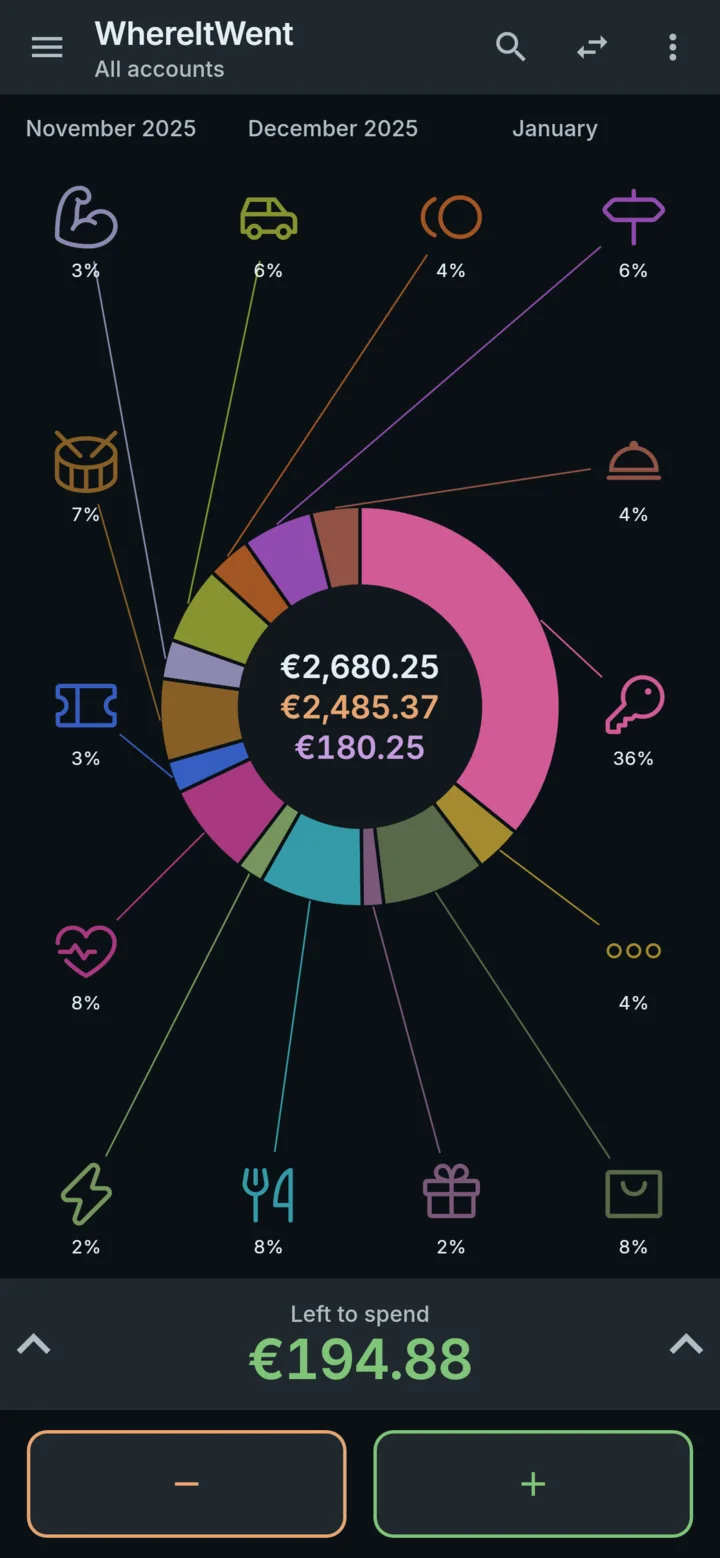
It is paid for by an optional contribution jar in Settings, with small, medium and large amounts through Google Play. A contribution adds no features, because none are held back. It is a thank-you, and the app works the same either way.
What the app asks of you, exactly
An app with no ads still asks for things. For WhereItWent, this is the full list:
- After 100 records, a short dialog says the app is free and mentions the jar. Choose Not now and the next one waits another 100 records. A contribution makes the wait longer.
- At 250 and at 2,000 records, it suggests sharing the app with someone.
- At 50 and at 1,000 records, it asks Google Play to show its rating sheet. Google decides whether the sheet actually appears.
At most one of these follows a single save, and only once you are back on the dashboard, never over the keypad.
The jar is also the only part of the app that goes online. The app does not contact RevenueCat, the payment provider, until you open the jar for the first time. After that it connects when the app starts, to load prices, with a random app ID and device details. Your records are never part of it, and the privacy policy lists every field.
What free does not include
Some things are missing on purpose, and some because the app is young:
- No bank connection. Every record is typed, which takes seconds and makes you notice the amount.
- No sync between devices. Records stay on one phone, and a backup file moves them when you change phones.
If automatic bank imports matter more to you than privacy, a paid app with a bank connection is probably the better fit, and that is a reasonable choice.
When a free app changes its terms
The risk with any free app is that the deal changes later. Two habits protect you whatever you use. Export your records to a file every month or two, so leaving is always possible. And prefer apps whose business model is visible in the app itself, not hidden in a privacy policy.
If you are already in that situation, a Monefy alternative with no subscription walks through what to look for in a replacement. If an app that wants no money still wants your email, an expense tracker with no account explains what that costs. And an offline expense tracker for your phone has a test for whether your records ever leave it.
WhereItWent has no paywall waiting for you later: every feature is in the version you install today. Free, offline, no account, no ads.
Get WhereItWent